React / API Project
Movie Handbook
A responsive discovery app that turns live TMDB data into a clearer browsing experience.
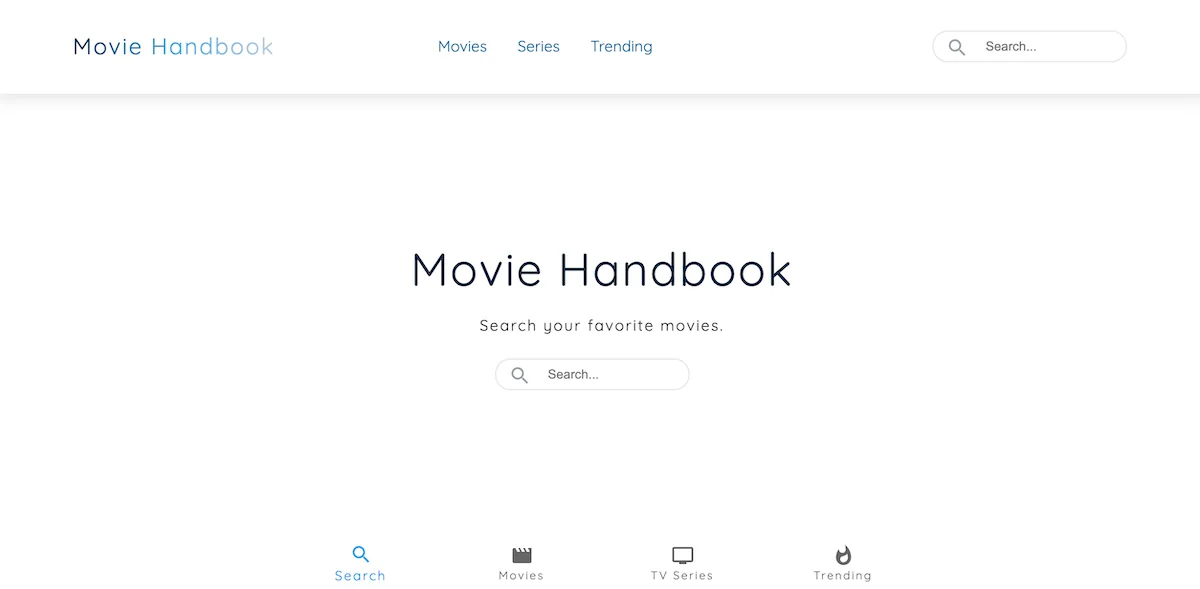
Overview
Movie Handbook is a Next.js app for browsing movies and TV shows. It connects to the TMDB API and turns that data into searchable lists, responsive poster grids, and detail pages with ratings, metadata, descriptions, and trailers.
I built it because I wanted the project to feel more complete than a basic fetch-and-display app. I spent time on the details that make a frontend project feel reliable: loading states, empty states, missing poster fallbacks, trailer availability, reusable cards, and clear detail pages.
The Problem
Movie discovery pages can get messy quickly. People need enough detail to decide what to watch, but not so much that every card feels heavy.
The data also varies a lot. Some titles are missing posters, trailers, dates, or metadata. I had to design the UI so those gaps did not break the layout or leave people staring at awkward empty blocks.
What I Built
- Home discovery page with trending, popular movies, and popular TV sections
- Movie and TV listing pages
- Search across movie and TV data
- Movie and TV detail pages
- Poster grids, rating badges, metadata, descriptions, and trailers
- Loading, empty, error, missing data, and missing API key states
- Redirect support for older route patterns
Technical Approach
I used Next.js and TypeScript so the project had clear routing, safer API handling, page metadata, and room to grow.
TMDB responses are not always consistent, so I used typed utilities and defensive checks before rendering data. That helped keep the UI stable when posters, trailers, or metadata were missing.
- app/ routes for the main pages
- components/ for reusable UI patterns
- lib/ for API utilities and helpers
- Material UI for the core interface system
- Netlify for deployment
UX and UI Decisions
The homepage works as a discovery hub. It gives users obvious routes into trending titles, movies, TV shows, and search.
The dark visual direction fits the entertainment theme, but the layout stays practical: clear cards, stable image sizes, readable ratings, and simple navigation.
Accessibility and State Handling
- Accessible search labels
- Clear trailer button labels
- Keyboard-friendly navigation
- Visible focus states
- Readable contrast on the dark theme
- Useful iframe titles
- Styled loading, empty, error, and no-results states
What I Would Improve Next
I would add saved favourites, search filters, URL-based search state, cast and crew sections, related titles, skeleton loaders, and tests for the API utilities and main user journeys.